Asset index · sourced from the official repo and project page
Every official MotionBricks GIF, in one place
The README gallery, grouped the way NVIDIA grouped it: teasers, single locomotion styles, style mixtures, smart objects, and the related-work loops. Each image links back to the NVIDIA-hosted original — nothing on this site is a mirror or a re-host.
The one fact that breaks most attempts
raw.githubusercontent.com/NVlabs/GR00T-WholeBodyControl/main/motionbricks/assets/gifs/teaser_animation.gif
returns a ~1 KB LFS pointer file — valid text, not an image — which is why so many "motion bricks render" and icon links found online are broken embeds.
The working image URL uses the media host instead:
media.githubusercontent.com/media/NVlabs/GR00T-WholeBodyControl/main/motionbricks/assets/gifs/<file>.gif.
Every Open original link on this page uses the media domain, and so do the <img> embeds.
Same rule one level up: the parent repo skips MotionBricks checkpoints on a plain clone, so the out/*.ckpt files land as 1 KB pointers until git lfs pull runs (see setup).
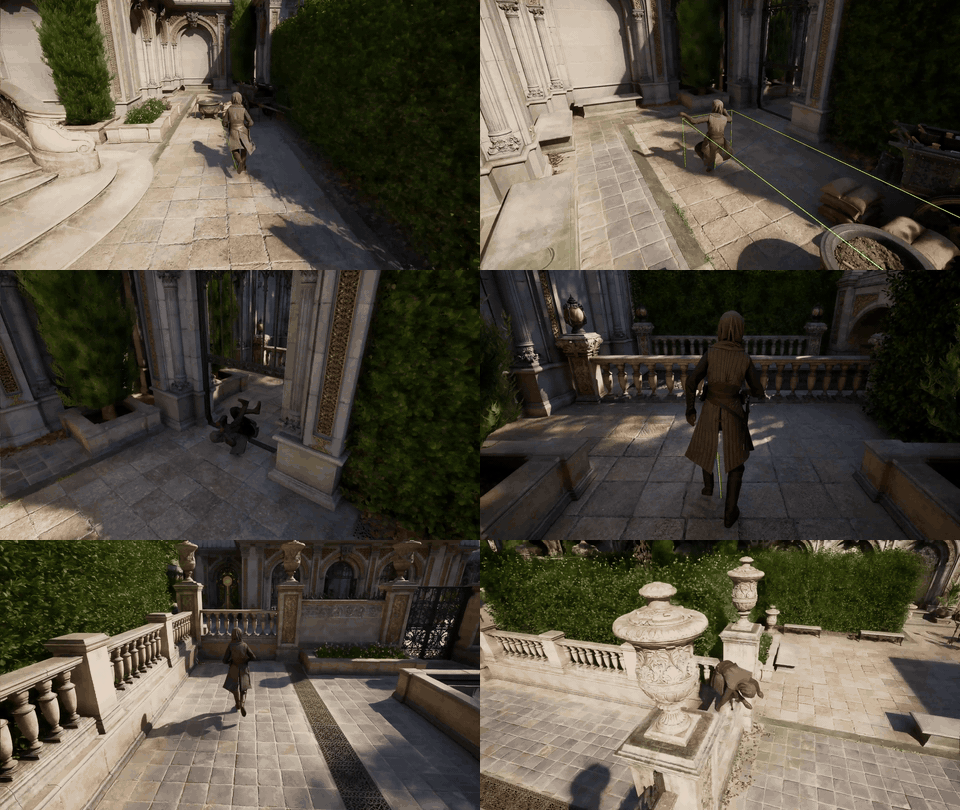
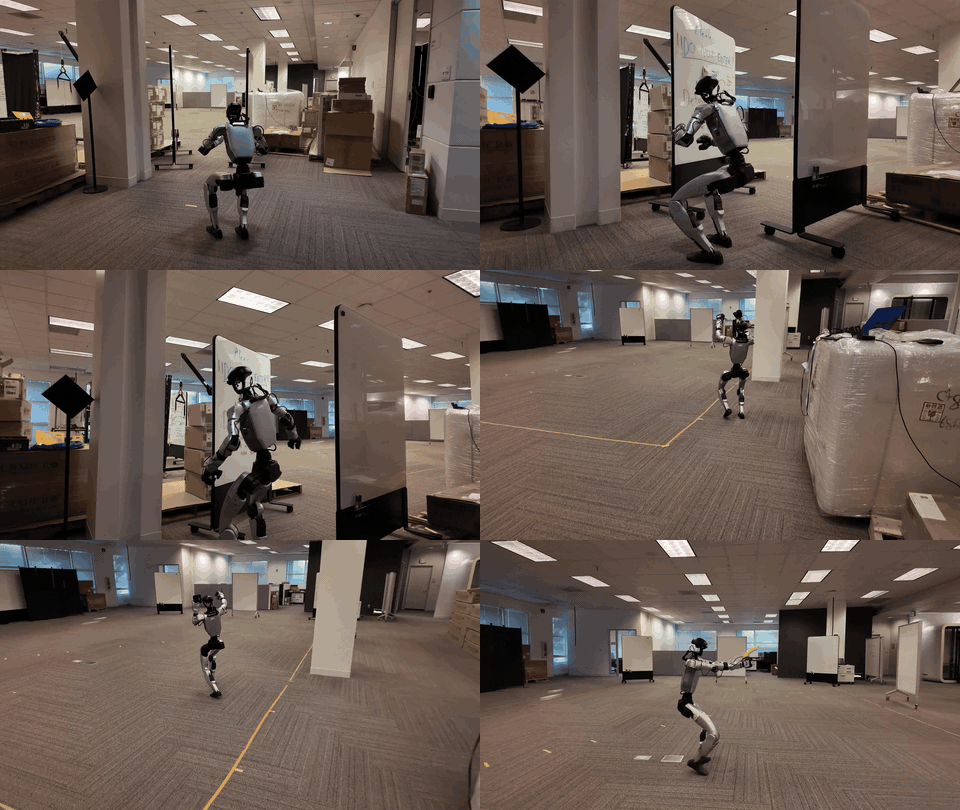
Smart locomotion — single styles
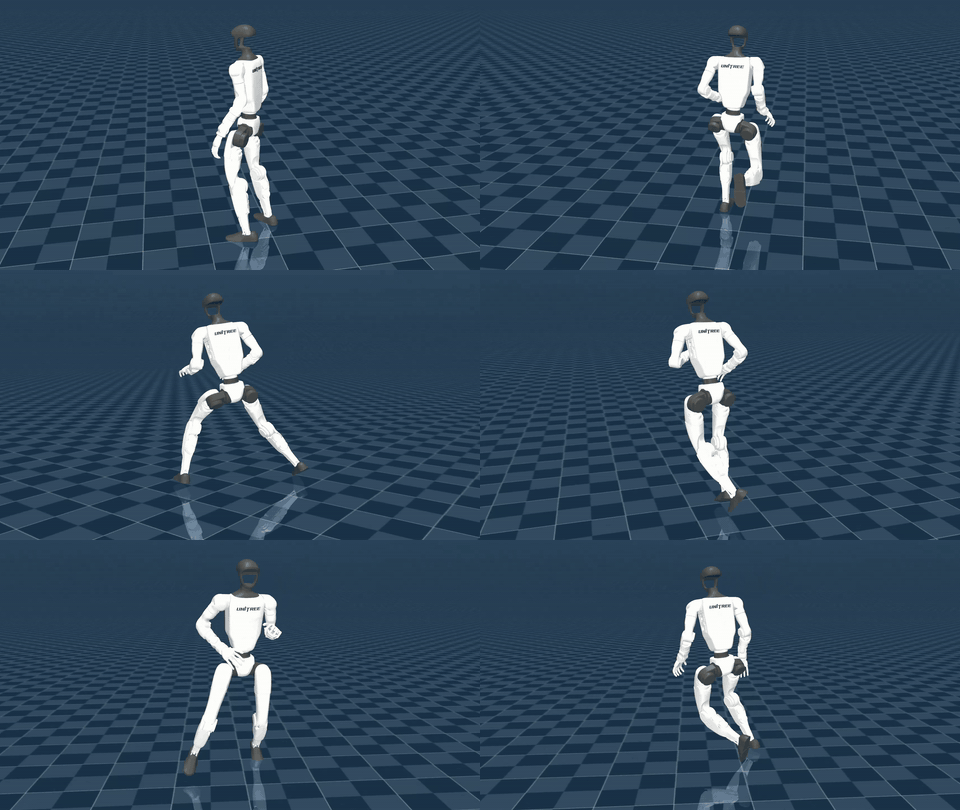
One primitive, one behaviour. Each loop is roughly ten seconds and muted; the same styles are playable in the interactive demo (keybinds where they exist).

loco_zombie.gif · official gallery loop, muted, ~10 s (the README lists no per-file size) · Open original 
loco_injured_leg.gif · official gallery loop, muted, ~10 s (the README lists no per-file size) · Open original 
loco_injured_torso.gif · official gallery loop, muted, ~10 s (the README lists no per-file size) · Open original 
loco_skipping.gif · official gallery loop, muted, ~10 s (the README lists no per-file size) · Open original 
loco_strafing.gif · official gallery loop, muted, ~10 s (the README lists no per-file size) · Open original 
loco_crouch_strafing.gif · official gallery loop, muted, ~10 s (the README lists no per-file size) · Open original Smart locomotion — mixture of styles
Multiple primitives composed on the fly — the zero-shot mixture claim in motion.

loco_freestyle.gif · official gallery loop, muted, ~10 s (the README lists no per-file size) · Open original 
loco_idle_walk_jog_run.gif · official gallery loop, muted, ~10 s (the README lists no per-file size) · Open original Smart objects
Locomotion plus contact: picking things up, recovering from falls, jumping obstacles, sitting down.

obj_pickup_sword.gif · official gallery loop, muted, ~10 s (the README lists no per-file size) · Open original 
obj_falling.gif · official gallery loop, muted, ~10 s (the README lists no per-file size) · Open original 
obj_jump_bench.gif · official gallery loop, muted, ~10 s (the README lists no per-file size) · Open original 
obj_sitting.gif · official gallery loop, muted, ~10 s (the README lists no per-file size) · Open original 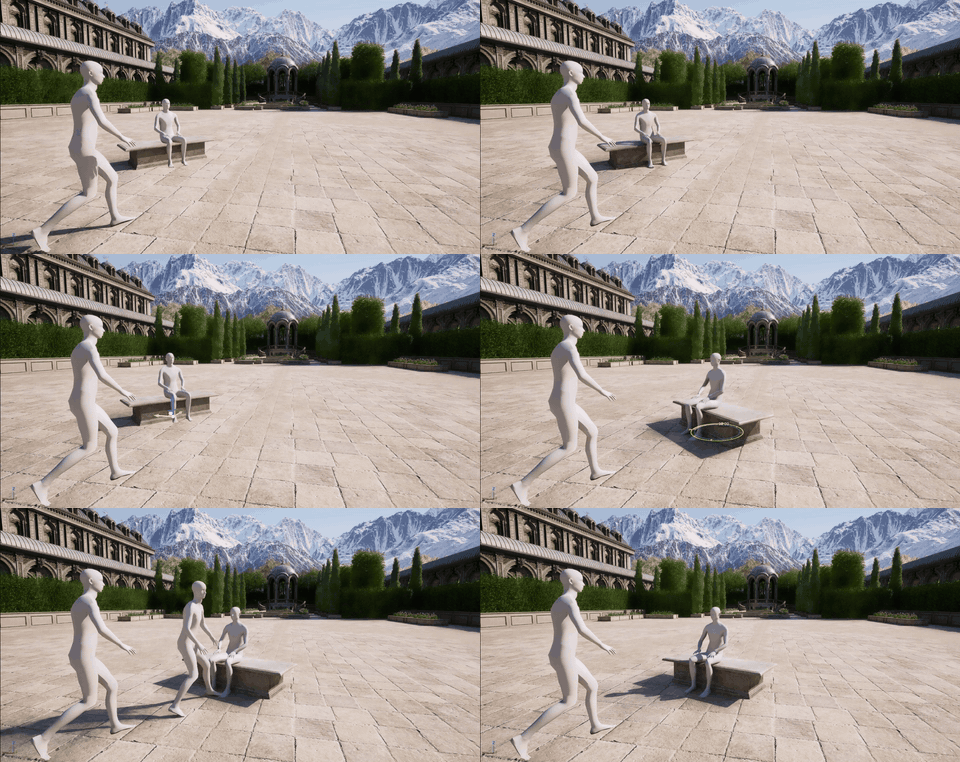
obj_interactive_authoring.gif · official gallery loop, muted, ~10 s (the README lists no per-file size) · Open original Related work teasers
The four sibling projects named in the README's Related Work section. They are not MotionBricks itself, but they share the repo and the GR00T story.
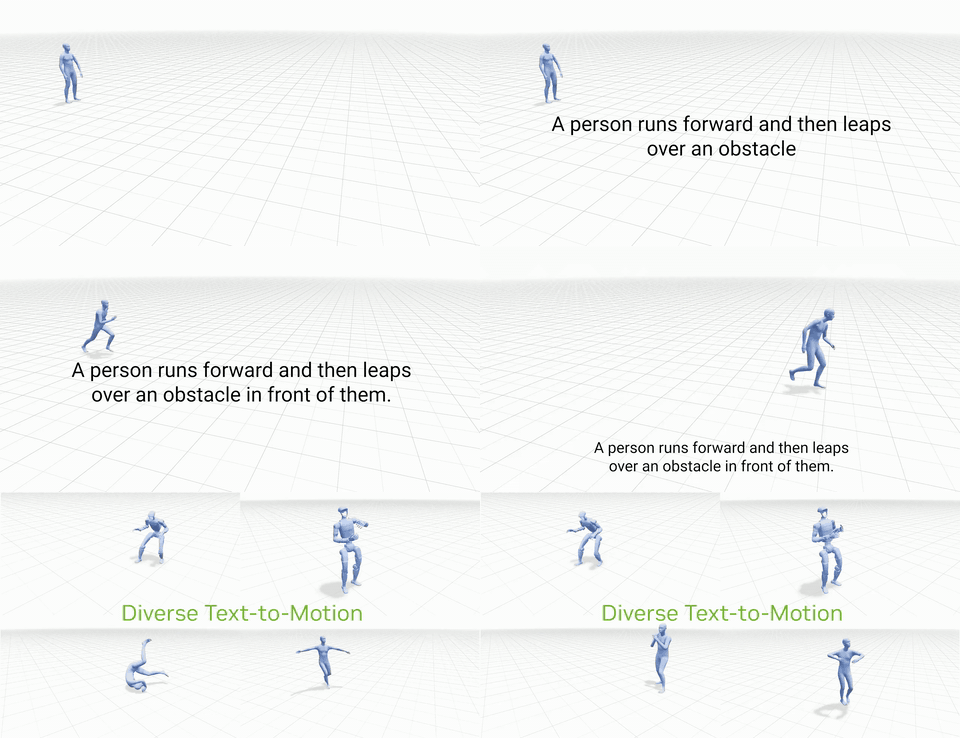
kimodo_teaser.gif · official gallery loop, muted, ~10 s (the README lists no per-file size) · Open original 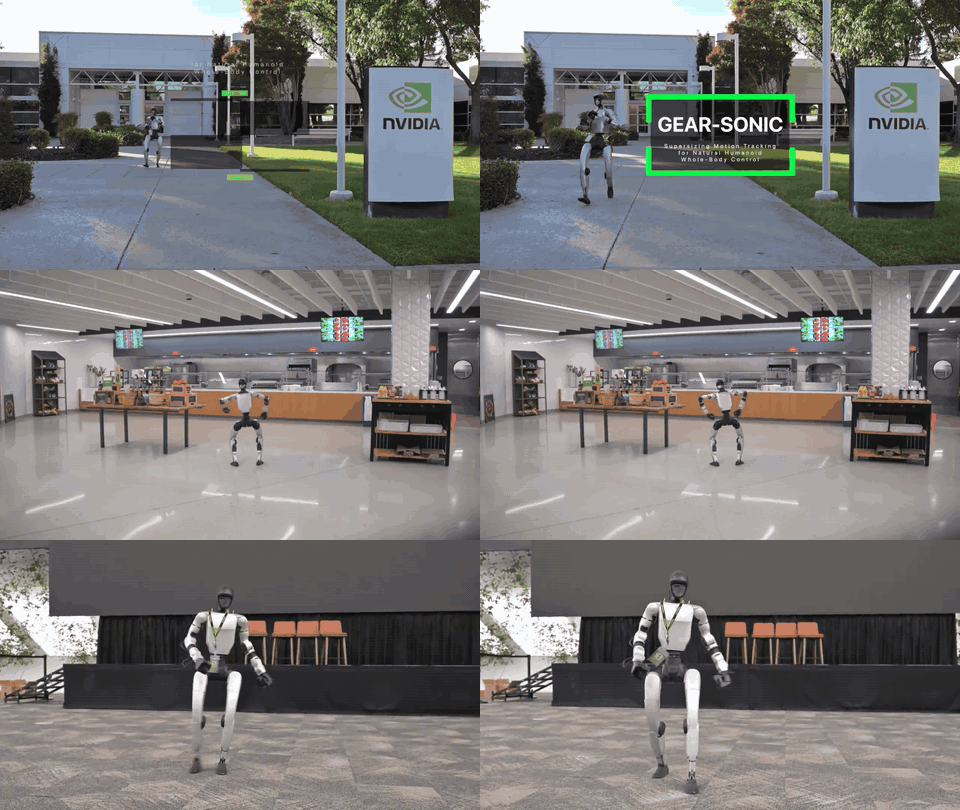
sonic_teaser.gif · official gallery loop, muted, ~10 s (the README lists no per-file size) · Open original 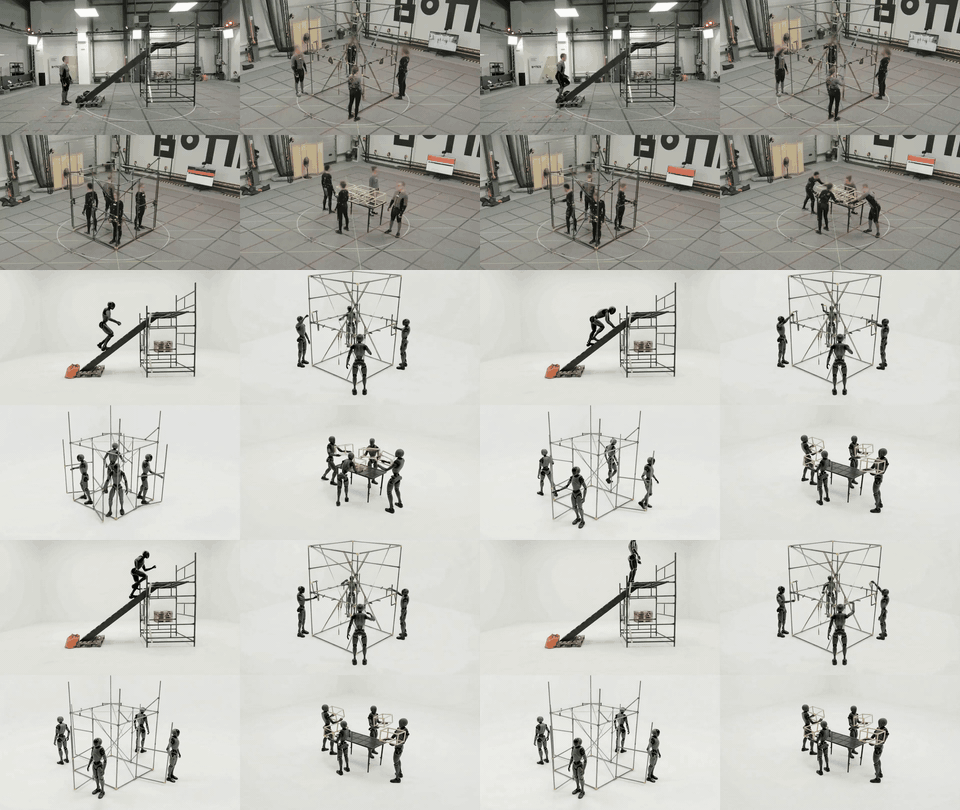
bones_seed_teaser.gif · official gallery loop, muted, ~10 s (the README lists no per-file size) · Open original 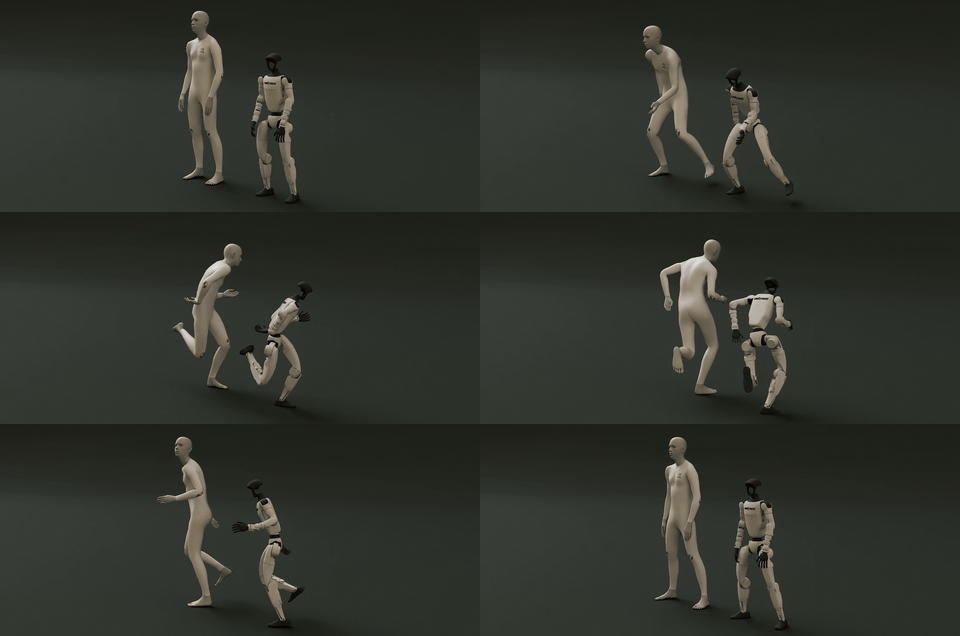
soma_retargeter_teaser.gif · official gallery loop, muted, ~10 s (the README lists no per-file size) · Open original Video & stills
Outside the GIF folder, the two big assets everyone searches for:
- Overview still —
teaser_image_motionbricks.jpg, the header art on the official project page (the same file this site uses as its default social card). Hosted by NVIDIA, linked never copied.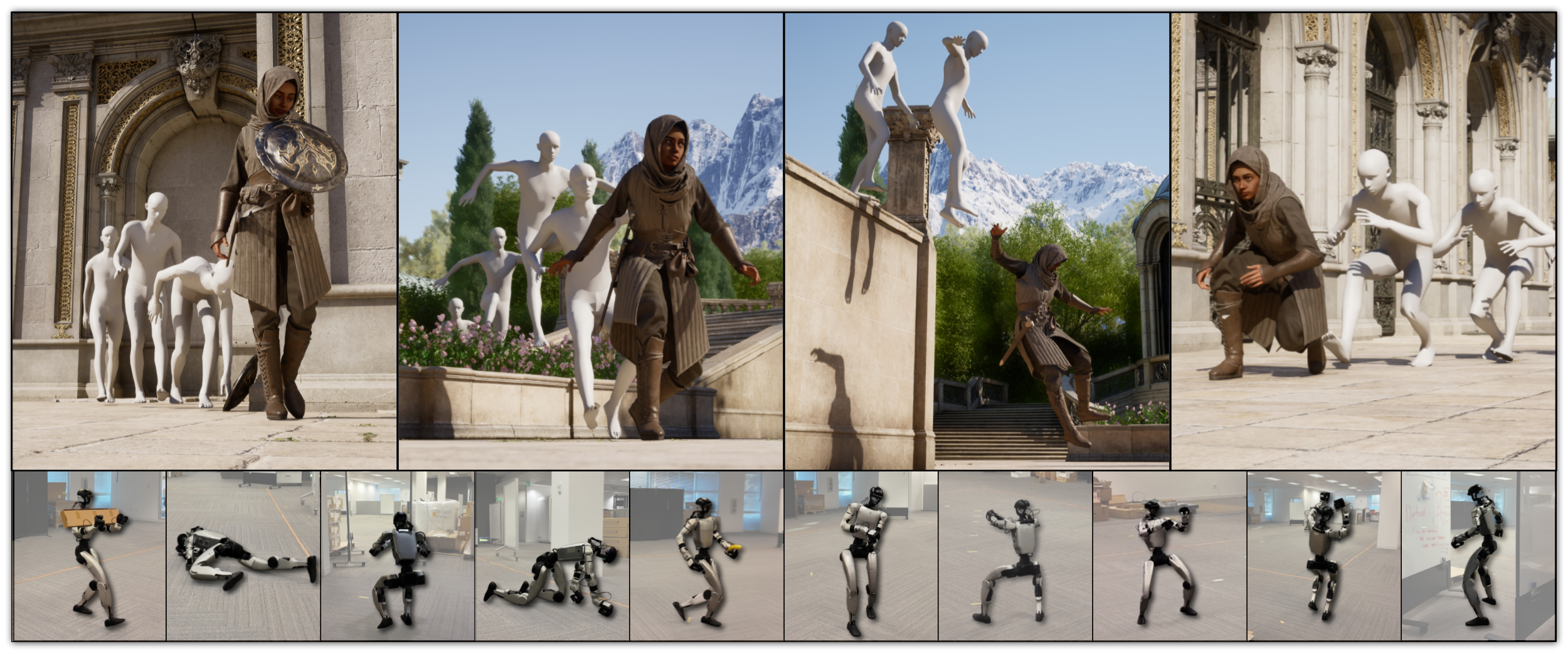
- 4K runtime demo —
aibm_runtime_main_demo_latest_art_v3.mp4, about 1.2 GB: download directly from research.nvidia.com. The README points to the project page for the full uncut demos and comparison videos.
One more GIF sits in the same gallery folder but is not part of the Results section: interactive_demo.gif — the screencast of the keyboard demo, embedded on the G1 demo page.
Using these assets legally
The repository is public; that is not the same as free-to-copy. Code is Apache 2.0, weights are under the NVIDIA Open Model License, and the README gives no separate image licence — so embed the NVIDIA-hosted URL (or the repo link) rather than re-uploading the files, and credit the source. This site follows that rule: every asset above is a hotlink to an NVIDIA-hosted file, and nothing is stored in this site's public folder.