Guide · what's real vs hype
MotionBricks and Unreal Engine 5: what's actually available
Searches for motion bricks unreal engine usually mean one of three things: the demo video, a plugin that doesn't exist yet, or the collision question. Here is each, straight from the official sources.
The uncut UE5 demo
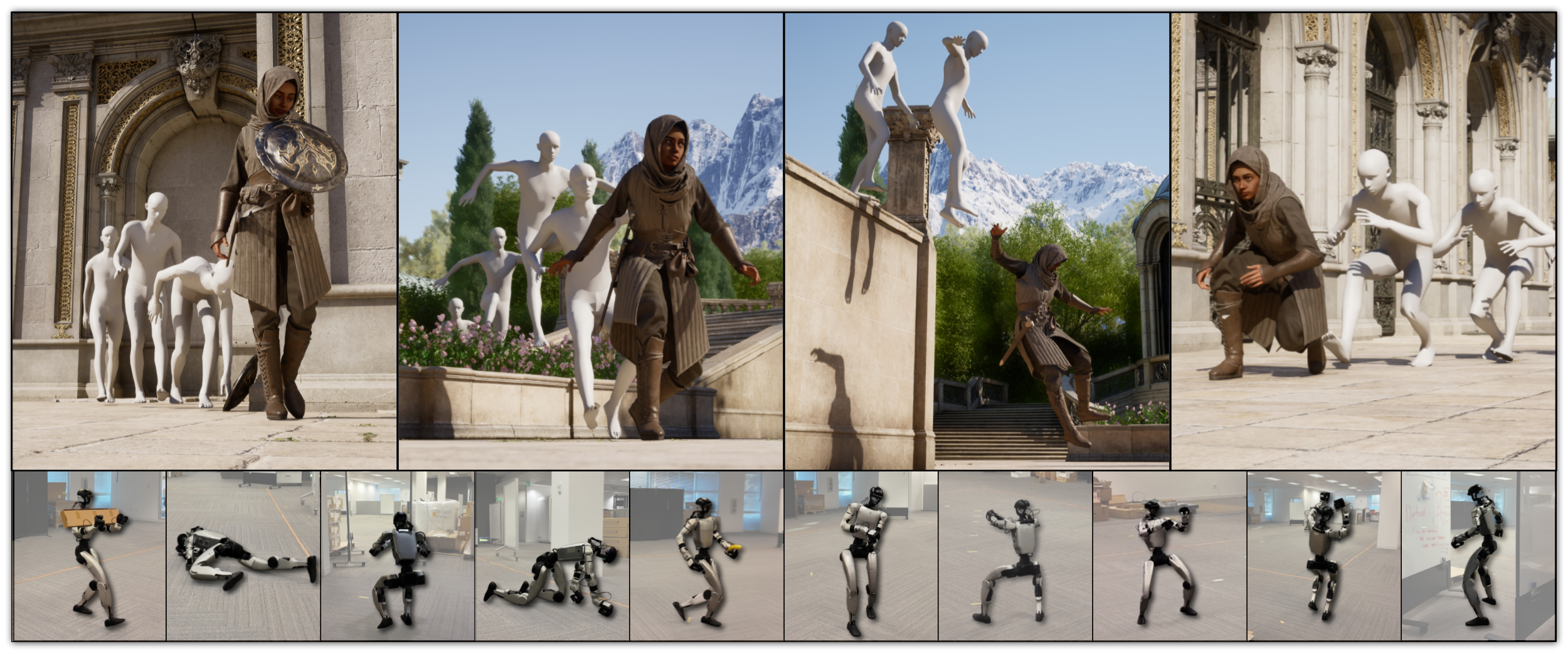
NVIDIA released a 2:40 one-take UE5 demonstration covering navigation and object-scene interaction at industry-game scope. Its headline is also its technical claim: every motion comes from the neural model — no foot-locking, no blending, no collision detection, no hand-authored transitions. The page calls it, to the authors' knowledge, the first neural model reaching that combination of quality, controllability, complexity and completeness.
Is there a UE5 plugin? Not in the preview
The public preview (2026-04-27) ships a Python runtime with a MuJoCo-based interactive G1 demo plus training code. Engine-side material — the smart-primitive authoring you see in the demo being wired "plug-and-play like stacking bricks" inside UE5 — is shown in the paper and page, but no public UE5 plugin is in the repository. The official roadmap states a full release (model embedded in GR00T WBC's robotics formulation, complete training pipeline) targeted approximately one month out from the preview. Treat any third-party "MotionBricks UE5 plugin download" as unverified until it points back to the NVIDIA repo.
Integrating today, honestly
- Consume motion at runtime from Python. The model layer emits motion frames; bridging them into UE5 means a custom transport (socket/shared memory) feeding an animation blueprint or Motion Warping — engineering you own.
- Offline bake for prototype work. Generate clips with the training/inference stack, then import baked animation. You lose the live-responsiveness story but stay inside a normal animation pipeline.
- Wait for the full release. The roadmap is public; the community guide updates when the repository changes.
"Can I interact with collision on UE5?"
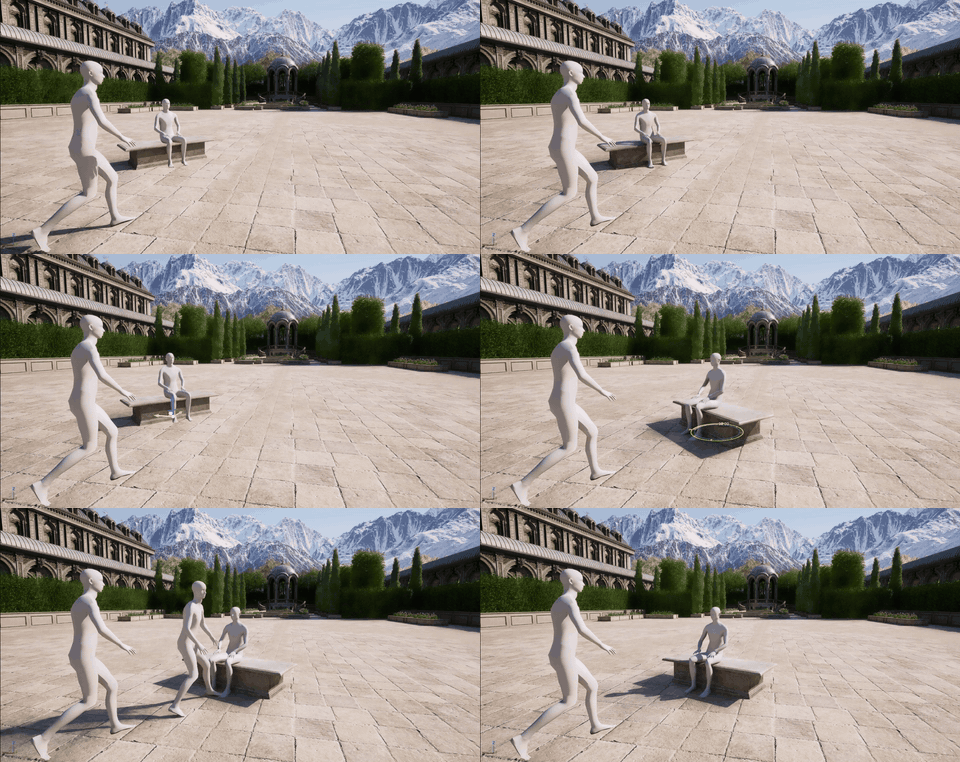
This search gets asked backwards. The demo's objects (sword pickup, bench jump, sitting) are driven by smart objects: proxy keyframes that specify the interaction, and the backbone synthesizes approach, contact and follow-through with natural variation across runs. There is no collision solver to toggle — the paper's position is that contact behavior is learned, not simulated. If your game needs true physics response (impacts, ragdolls, destructibles), MotionBricks is a motion generator, not a physics engine.
Smart objects in motion (official GIFs)